Do you feel chained to your studio chair and the ideal listening spot while evaluating your mixing and mastering decisions? And would you also use a little help in improving your music production workflow? Now we happen to have a tool to help you with both of these!
Way to control your MixChecker Pro Remotely
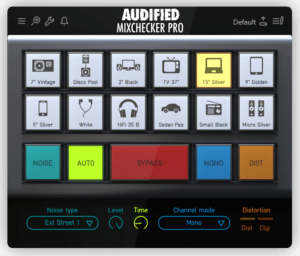
When evaluating mixing and mastering decisions, many happily use our MixChecker Pro to switch between various simulations of monitoring systems and consumer audio devices.
But did you know you also have an option to remotely control the plugin from your smartphone or a tablet of choice?
The remote feature frees you to change your listening positions across the room while still having total control over the main qualities of the MixChecker Pro plugin. It will help you make better auditory decisions and save time when mixing or mastering music.
All you need to do is to download a free MixCheckerRC app and pair it with the plugin. Let’s take a look at how to do it!
Installing the free app from the App Store or Google Play
Type MixCheckerRC into the store of your choice and install the authorized version. If not sure, please check for the app vendor and make sure it’s AUDIFIED.
Pairing the remote control with the MixChecker Pro
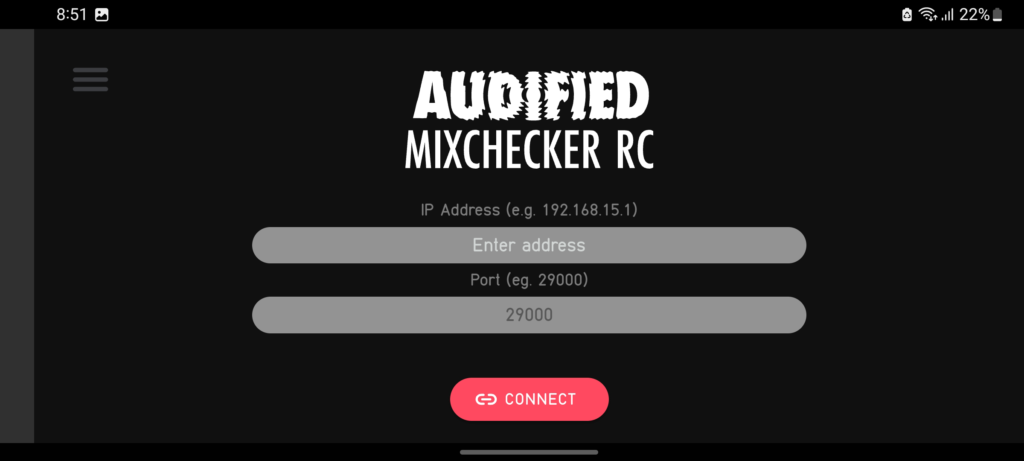
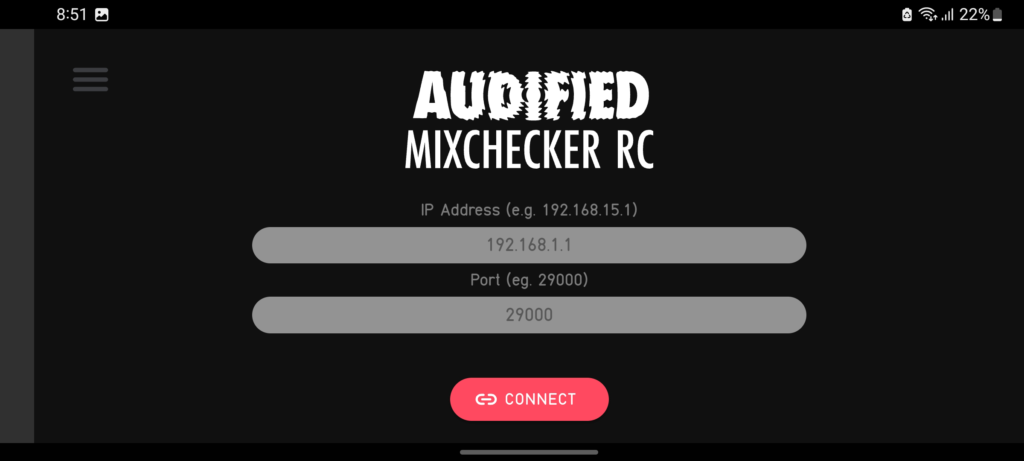
After opening the app, you should see a configuration screen like this:
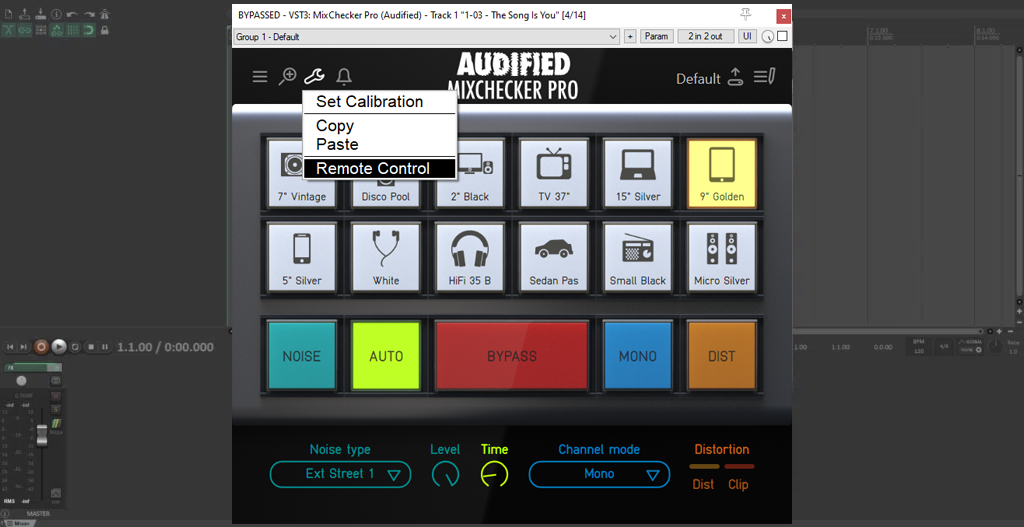
Now simultaneously open the MixChecker Pro plugin in the supported DAW of your choice. Go to the wrench tool and select the Remote Control option.
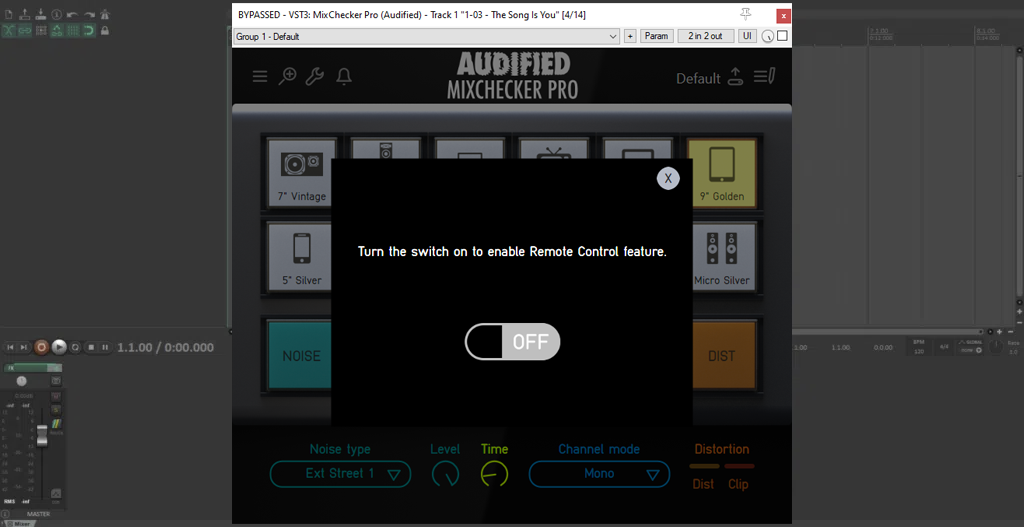
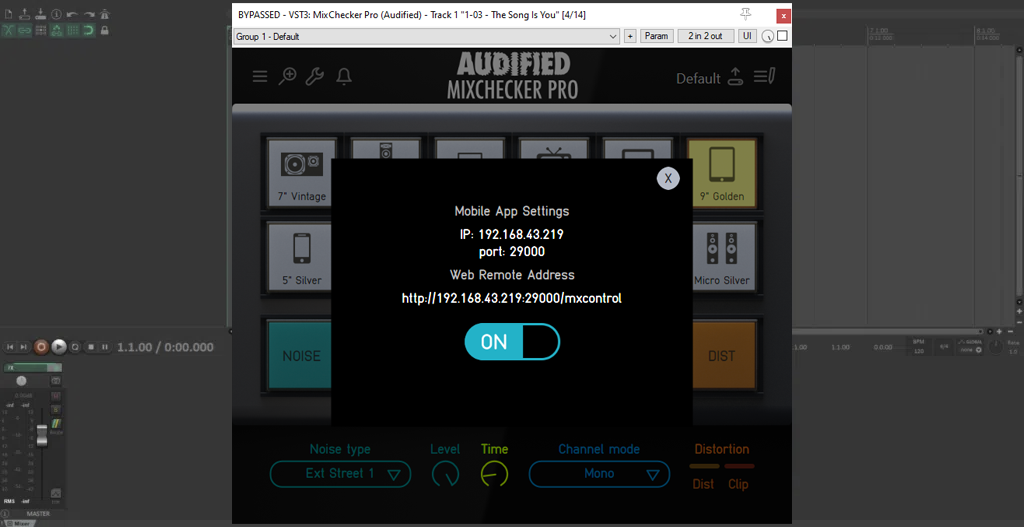
After seeing the following screen, please use the button to enable the remote control feature.
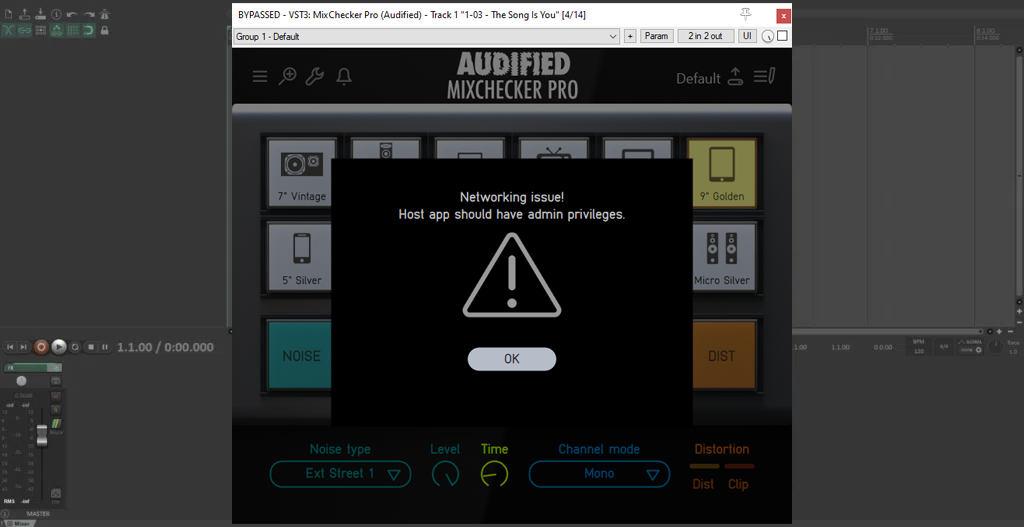
If you are on Windows and see the following error, please open your DAW using the Run as administrator option.
When the remote feature is on, use the plugin-generated data to fill the form inside the app.
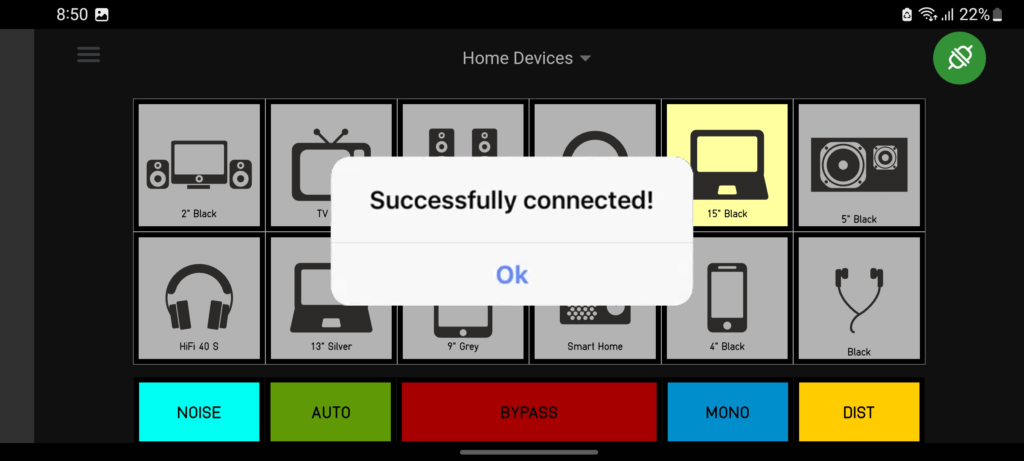
After filling out the form, please click the Connect button to make the devices pair.
A browser remote
If more convenient, you can also use the browser control feature. It allows you to control MixChecker Pro from your internet browser. All you have to do is to click on the Web Remote Address under the Remote control setting instead of using the Mobile App Settings data. It will redirect you to your default browser.
Using the MixCheckerRC app
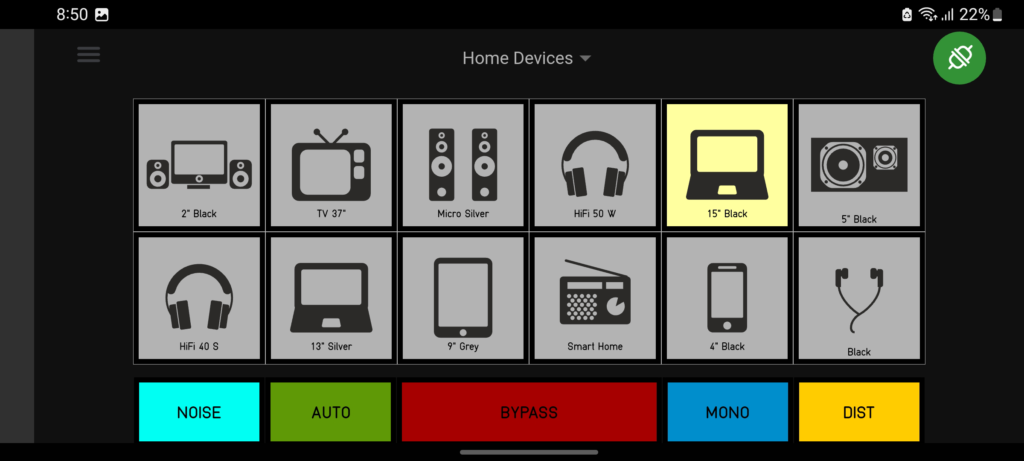
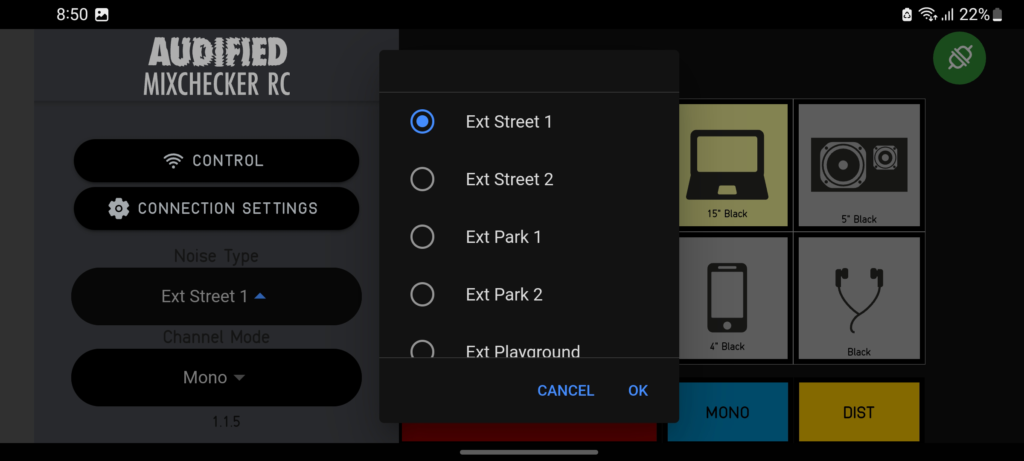
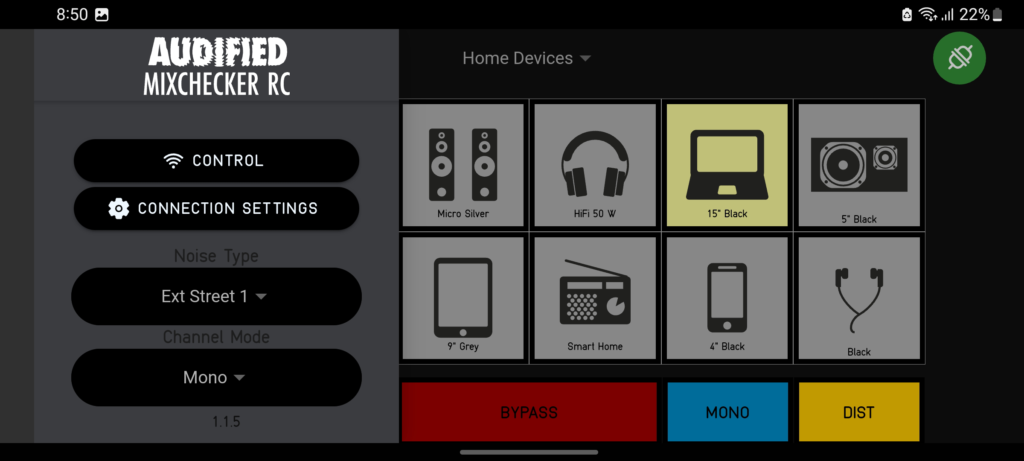
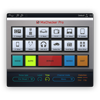
The use of the app is almost the same as the use of the plugin. The self-explanatory buttons let you remotely switch between different monitoring devices, extraneous noises, device-specific distortion, auto-switching, and channel mode. And, of course, a plugin bypass switch is included.
There is also an app menu, enabling you to manage the connection or select the specific street noise and channel mode.
Using the MixCheckerRC remote, you are free to roam across your studio and listen to the music just as the final consumer would. It can make your daily mixing and mastering workflow even more efficient. And even then, you have all the control needed to work the simulations under your fingers.