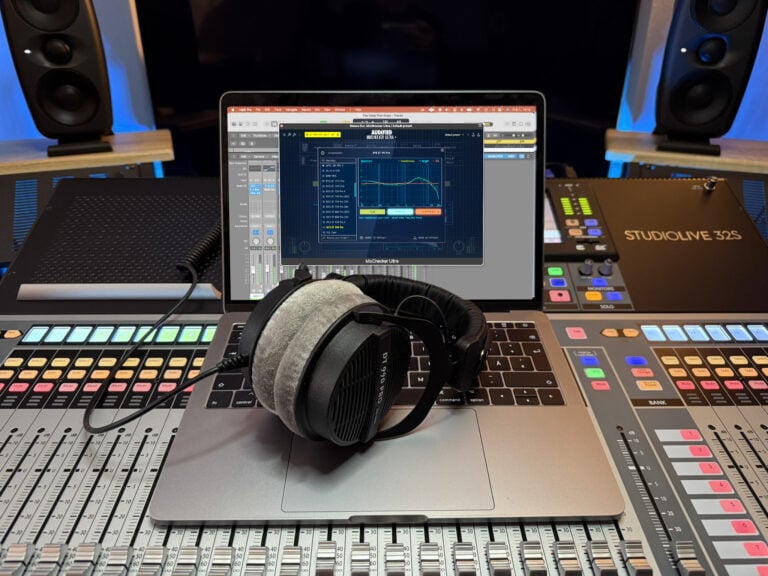
Whether you’re a professional sound mix/mastering engineer or you mix your music at home for your fans or band, we all strive for one common goal: ensuring our recordings sound as good on any device as they do in our studio, whether it’s a home Hi-Fi system, TV, computer, headphones, or even a car.
Each listening device has specific sound characteristics, and the differences can be significant. A mix that sounds well-balanced in your studio might sound thin on small headphones, not to mention a mobile phone, where the bass frequencies disappear completely. On the contrary, it might be overly bass-heavy and reveal unwanted sound artifacts when played in a car or on a large PA system. The goal of any mix should be to strike a compromise that sounds good across a wide range of commonly used audio devices.
You basically have two options: either you physically test your mix on these devices, which is common practice. Many large recording studios have not only high-end professional monitors for thousands $ but also regular boomboxes, well-worn Hi-Fi systems, commercial headphones, or engineers with recordings and a notebook running off to listen in the car. Thus, a whole plethora of diverse devices is required.
Or, you can opt for the second option… MixChecker ULTRA!
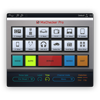
MixChecker ULTRA (hereinafter referred to as MXCU) aims to be the only plugin you need to thoroughly test the sound quality of your mix across a wide array of commonly used audio playback devices. MXCU offers over 90 precisely simulated listening devices! It includes the profiles of the most widely used studio and mastering monitors, as well as typical PC speakers, various headphones, TVs, laptops, car audio systems, Bluetooth speakers, and well-known voice assistants. You can even test how your recording would sound on a large PA system. These are not just generic devices but specific models. Easily find your personal mobile phone, tablet, or specific laptop in the menu.

How Does It Work?
When creating each sound profile, we measured each emulated device in detail in our sound lab using specialized microphones and many calculations to replicate not only their frequency curves but also their psychoacoustic properties such as dynamic range, stereo width, non-linear behavior, clipping, distortion, and many other quantities. This allows us to achieve the most accurate sound profile possible, transforming your studio monitors into any listening device. Moreover, you can upload your own IR of any device into MXCU.
Analytical Section
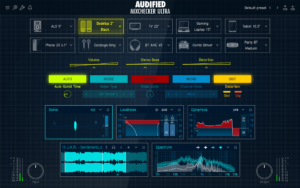
Another fundamental added value of MXCU is the analytical section. It contains specialized modules for measuring and displaying values such as the dynamic range of your mix, frequency spectrum, stereo width and its distribution-balance. There’s also a LUFS meter with the option to select the most commonly used LUFS standards, whether for CD preparation, streaming platforms, TV, or podcasts. All these essential tools for checking your mix are conveniently housed in one tool, saving you both time and your computer’s processing power.

Player
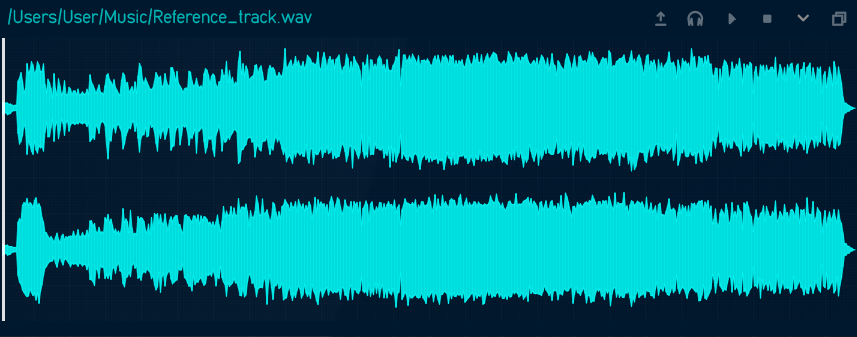
Last but not least, you will find a helpful player here, into which you can upload any reference track with which you want to compare your mix or which you want to approach and display the values of both sources (DAW and Reference) in each module. Brilliant, isn’t it?
What Else?
Graphical Interface
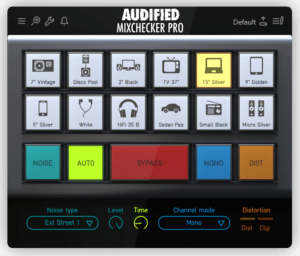
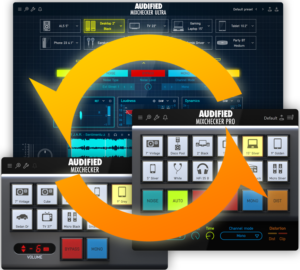
We also introduced a completely new modern graphical interface with a user-friendly layout of all controls, thanks to which you will recognize at first glance that the new MixChecker ULTRA is a significant progress from the older MixChecker PRO and not just a mere update.
Presets
Anything Else?
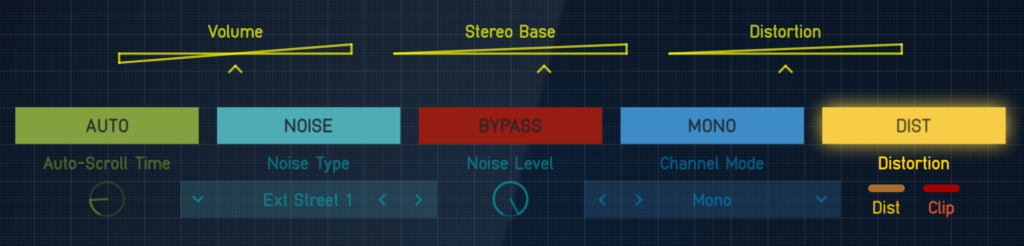
AUTO
NOISE
Under this button, you’ll find more than 10 (with more on the way) sounds of the environment, like a busy street, park, subway station, or the sound of a moving car. These background noises can affect how your mix is perceived in those environments. If you’re a perfectionist, you can test your mix under these conditions. The hum of a car can conflict with the low-end of your track, and so on.
Another use for this feature is in sound design. Whether you create soundtracks for films, video games, or podcasts, in combination with emulations of various devices (TV, mobile, PA), MixChecker ULTRA can be a powerful tool in skilled hands.
BYPASS
The bypass button lets you remove MixChecker from the signal path for a quick A/B comparison with your original sound.
MONO
Listening to your mix in mono is essential, as it reveals many unwanted sound artifacts. With MXCU, you can also switch only the left or right channel to mono, swap channels, or change their phase.
DISTORTION
This function lets you test how your mix will sound if overdriven or at what volume level it will clip on the selected emulated device.
Summary
If you’re looking for a versatile and advanced tool for thoroughly checking your mix, MixChecker ULTRA is definitely worth exploring. If you’re unsure whether you’d utilize all its advanced features, don’t hesitate to try the free 14-day trial.
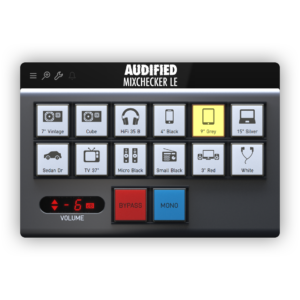
If you are satisfied with a more minimalist version with significantly fewer emulated listening devices and don’t need an analytical section or other control tools, try our original MixChecker PRO.
…and don’t forget to check out our other plugins, developed with detailed precision, which we believe you’ll notice at first listen.